

Vision board · Photo journal · Goal tracker
Manifest your vision board, poco a poco.
Turn your photos into stickers, build a board that feels like you, and take little steps toward the life you want.
 Completely free. No account. No ads. No tracking.
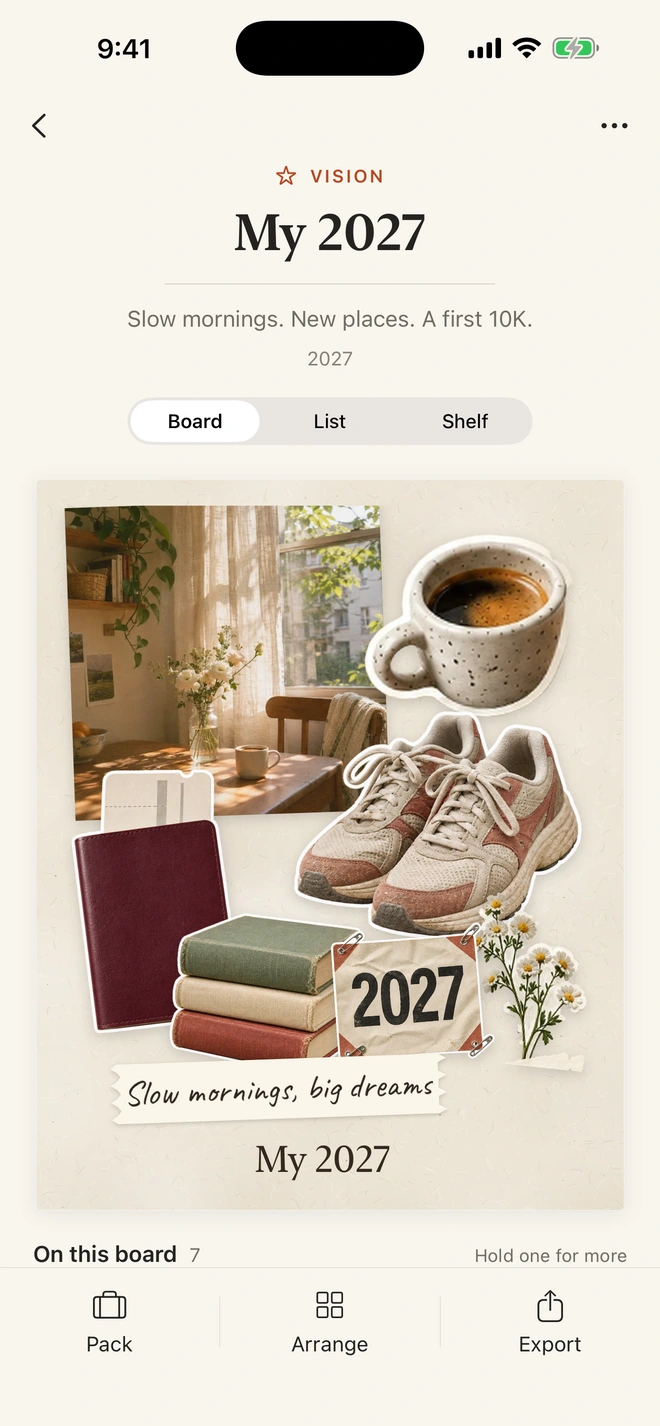 MANIFEST


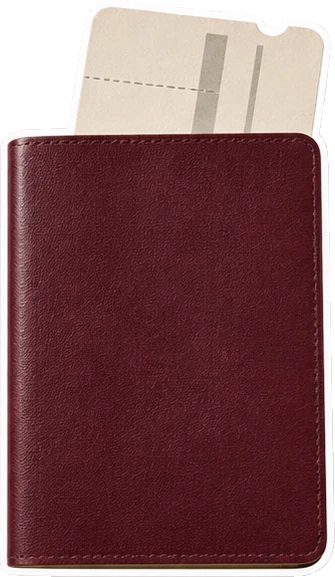
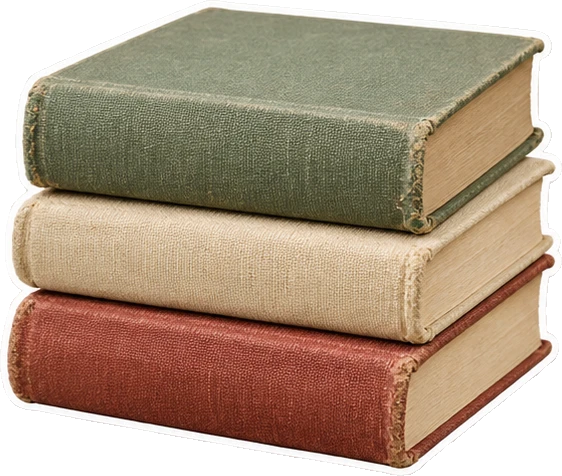

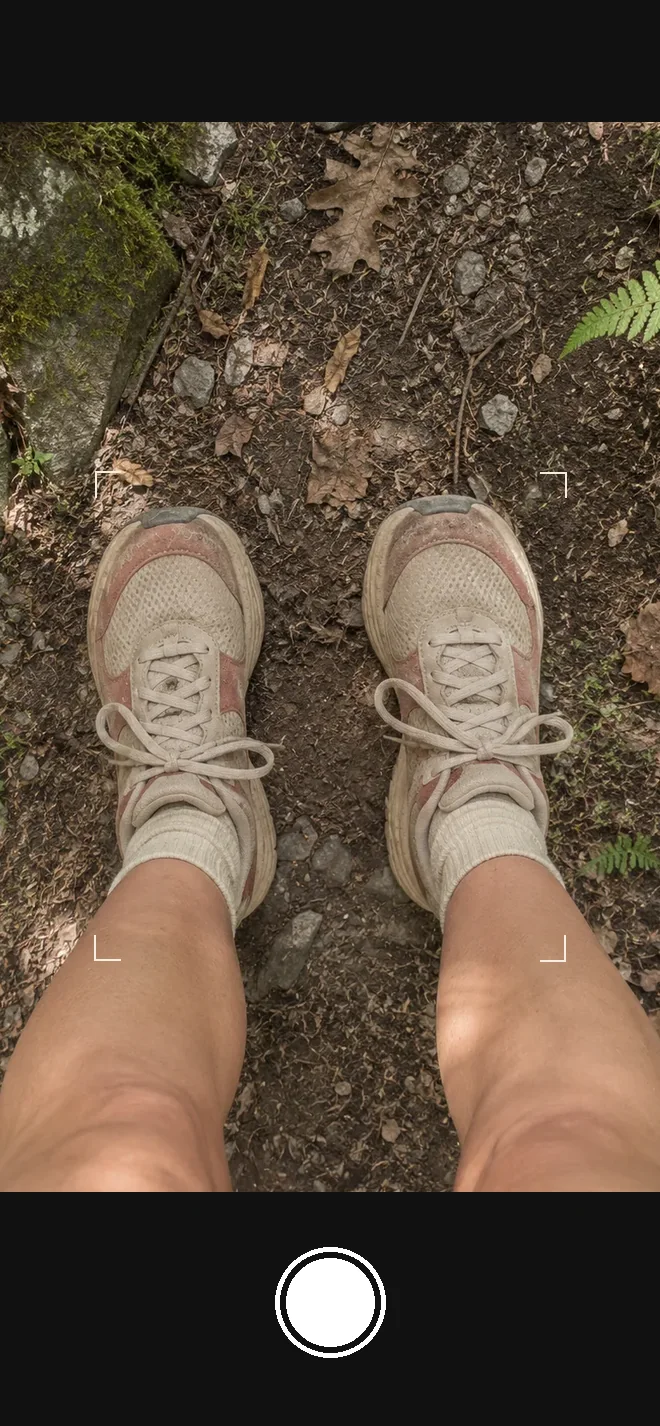
Photo stickers & vision boards
Snap it. Style it.
Manifest it.
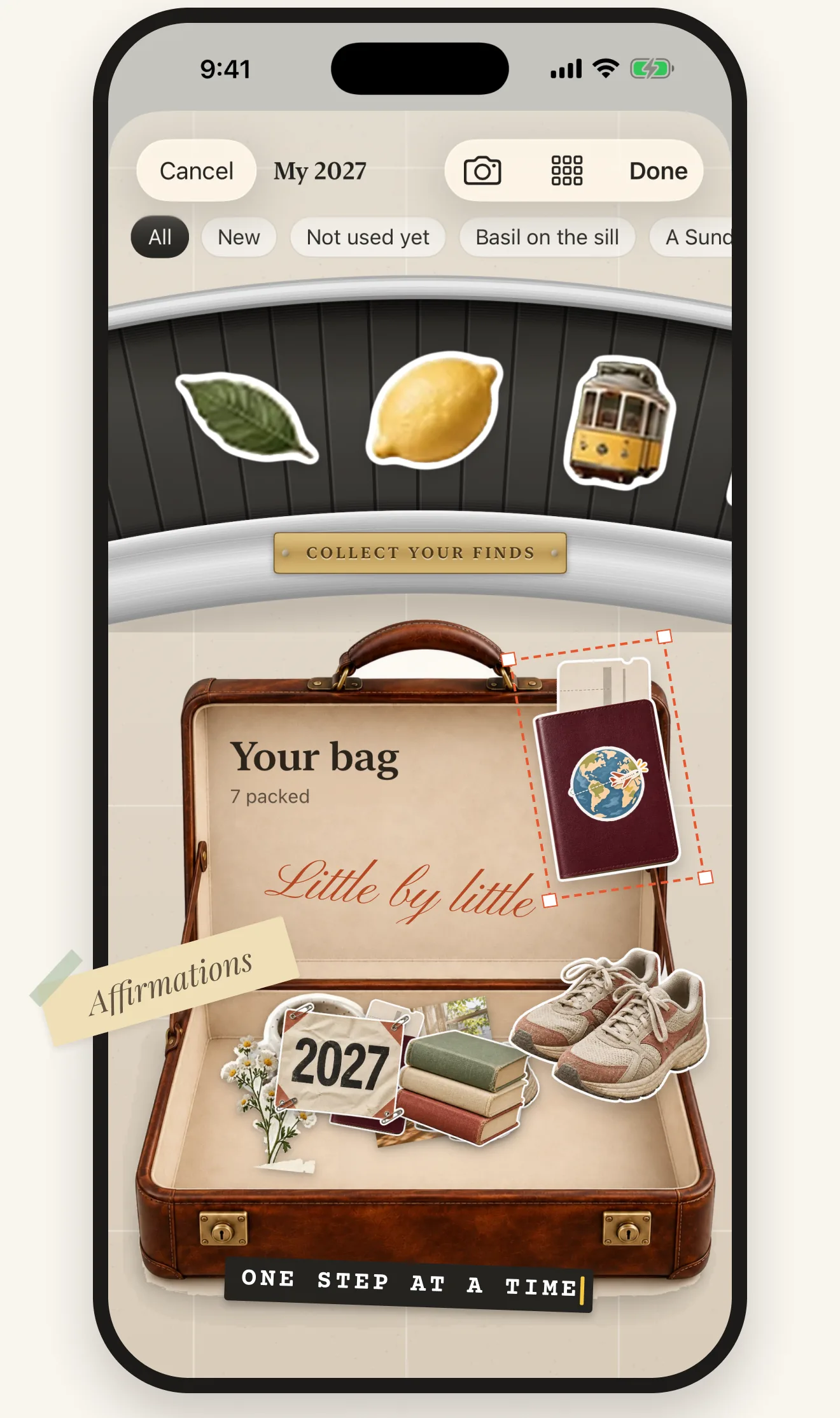
Turn your photos into stickers. Explore layouts and styles, then edit every detail to create a vision board that feels like your future.
Automatic cutouts and layouts. Paper backgrounds, tape, frames, and text. Move, resize, and rotate to make it yours.
Wallpapers & widgets
Keep your vision
in sight.
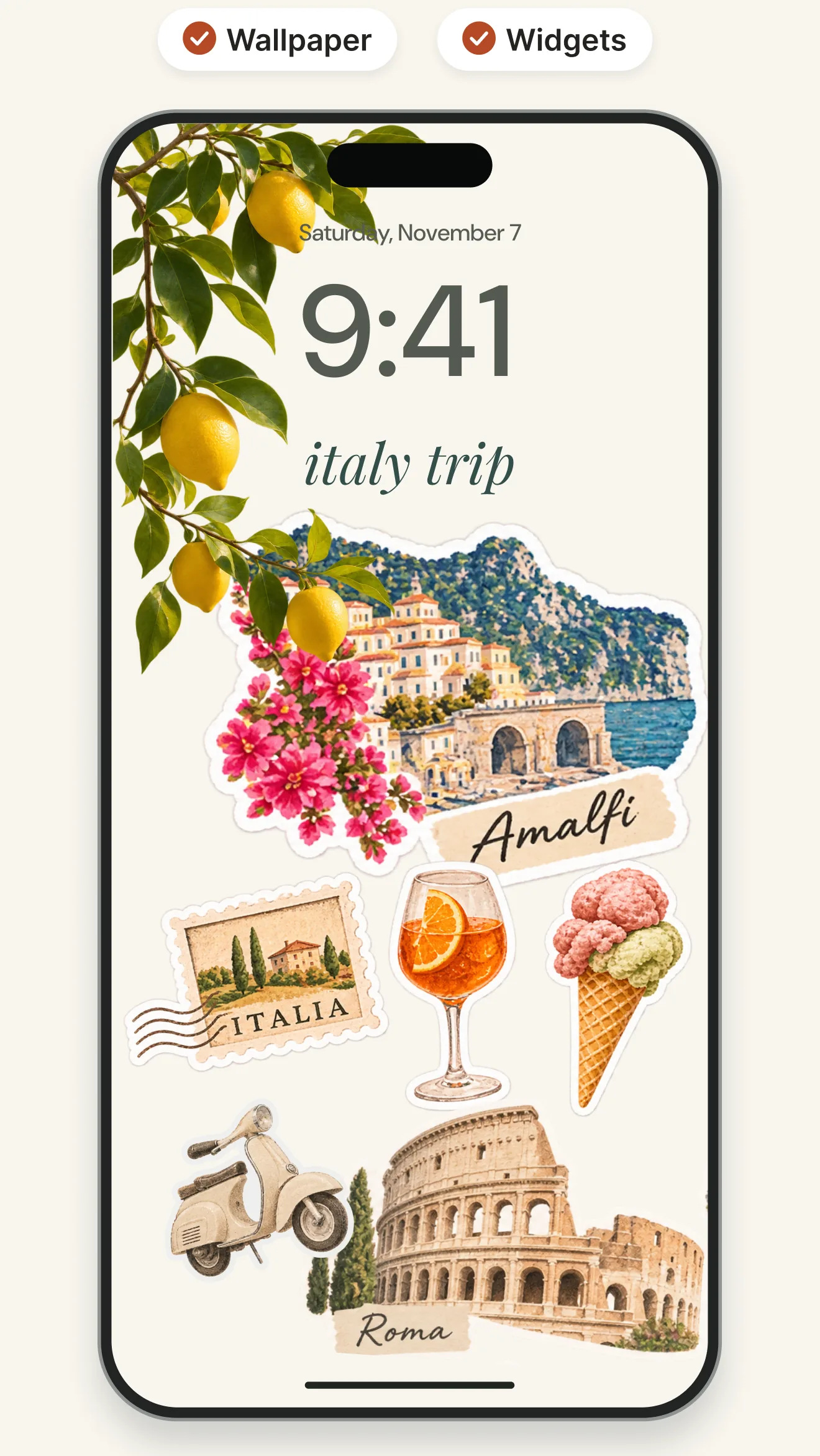
Make your page a wallpaper or Home Screen widget. Keep your wishes, progress, and favorite memories close.
Widgets update by themselves whenever you add stickers or rearrange.
Goal tracker
Big dreams.
Little steps.
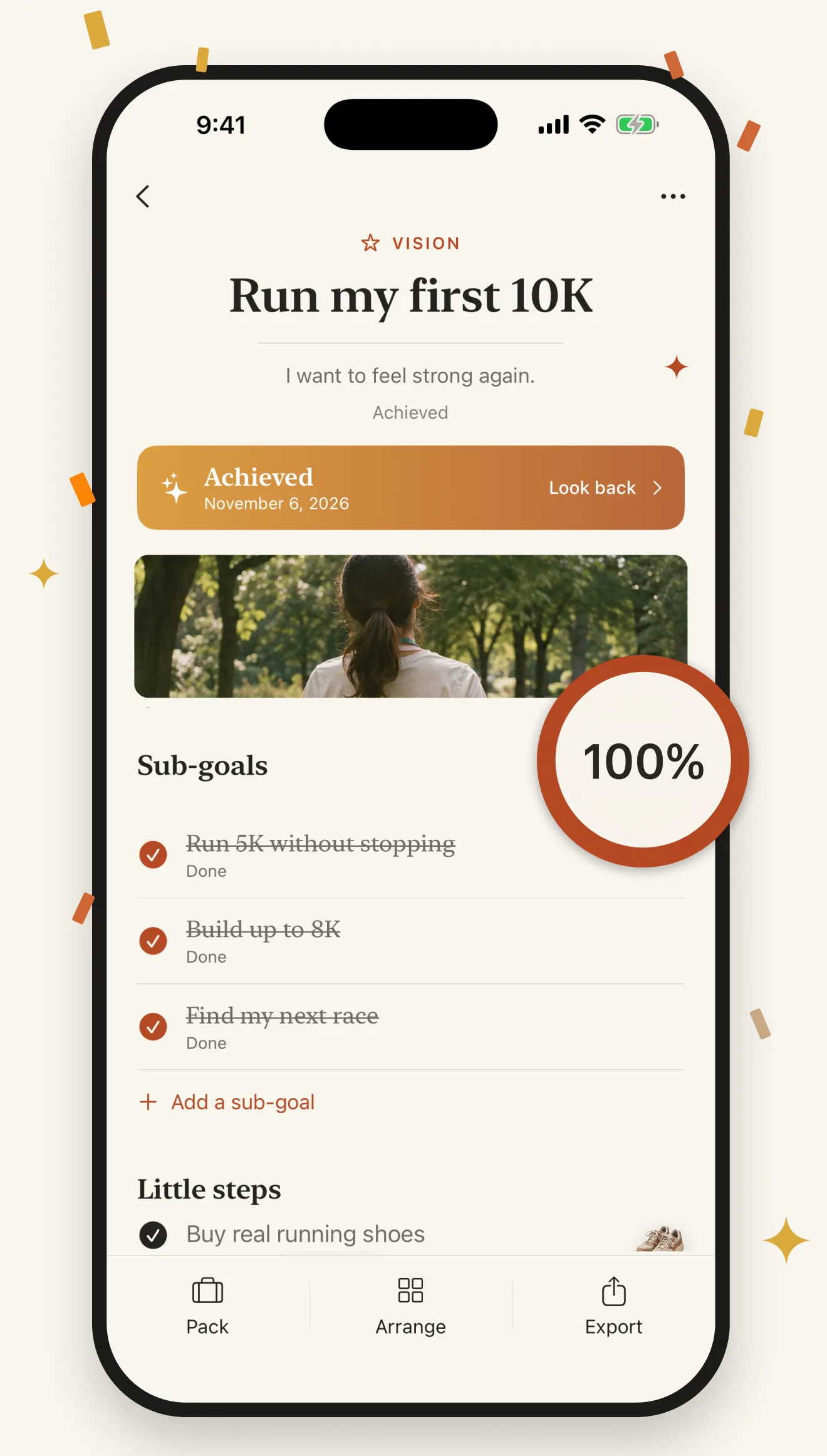
Break goals into smaller steps. Check them off, capture real progress in photos, and mark your goal as achieved when it comes true.
Look back on the journey, without daily streaks to maintain.
Personal. Private. Yours.
Your dreams.
Your privacy.
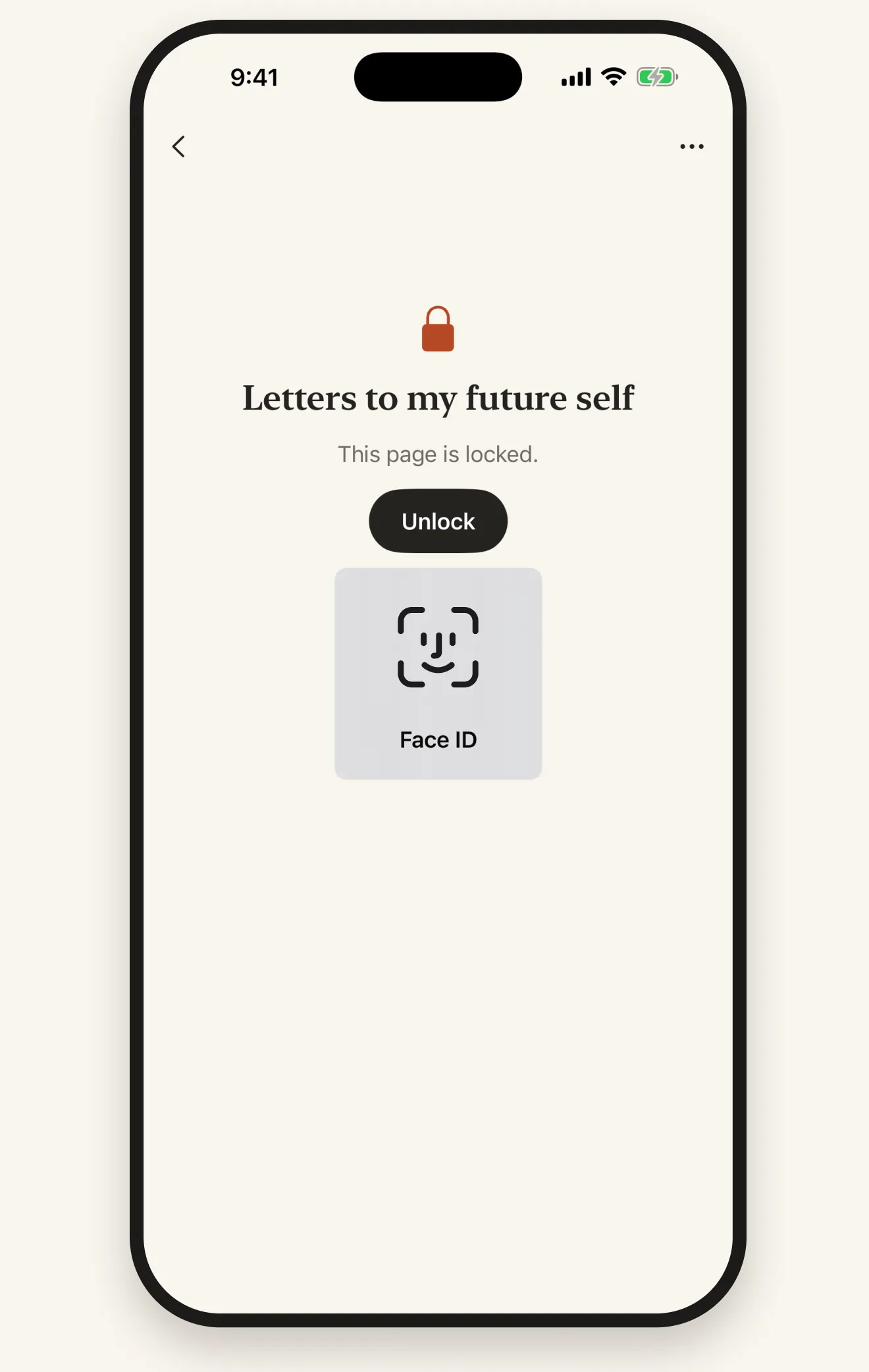
No account needed. Your content stays on your iPhone and syncs through your own iCloud when available. Protect personal pages with Face ID. No ads. No tracking.
A little space for everything you love
More than a
vision board.
A day worth keeping
Keep the day.
And how it felt.
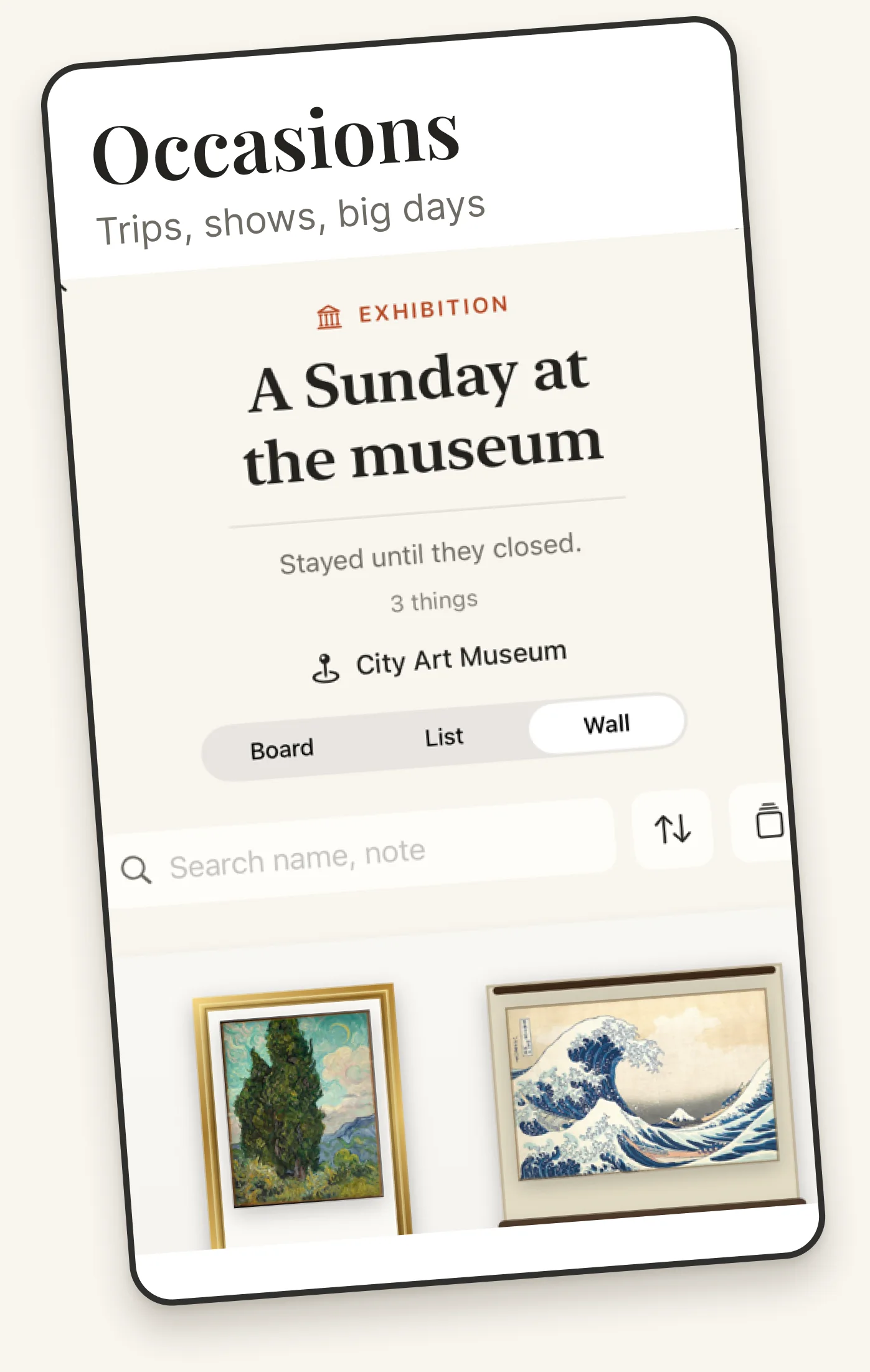
A trip, a celebration, a museum visit. Give the day its own page, so the feeling has somewhere to stay.
Trips, shows, big days.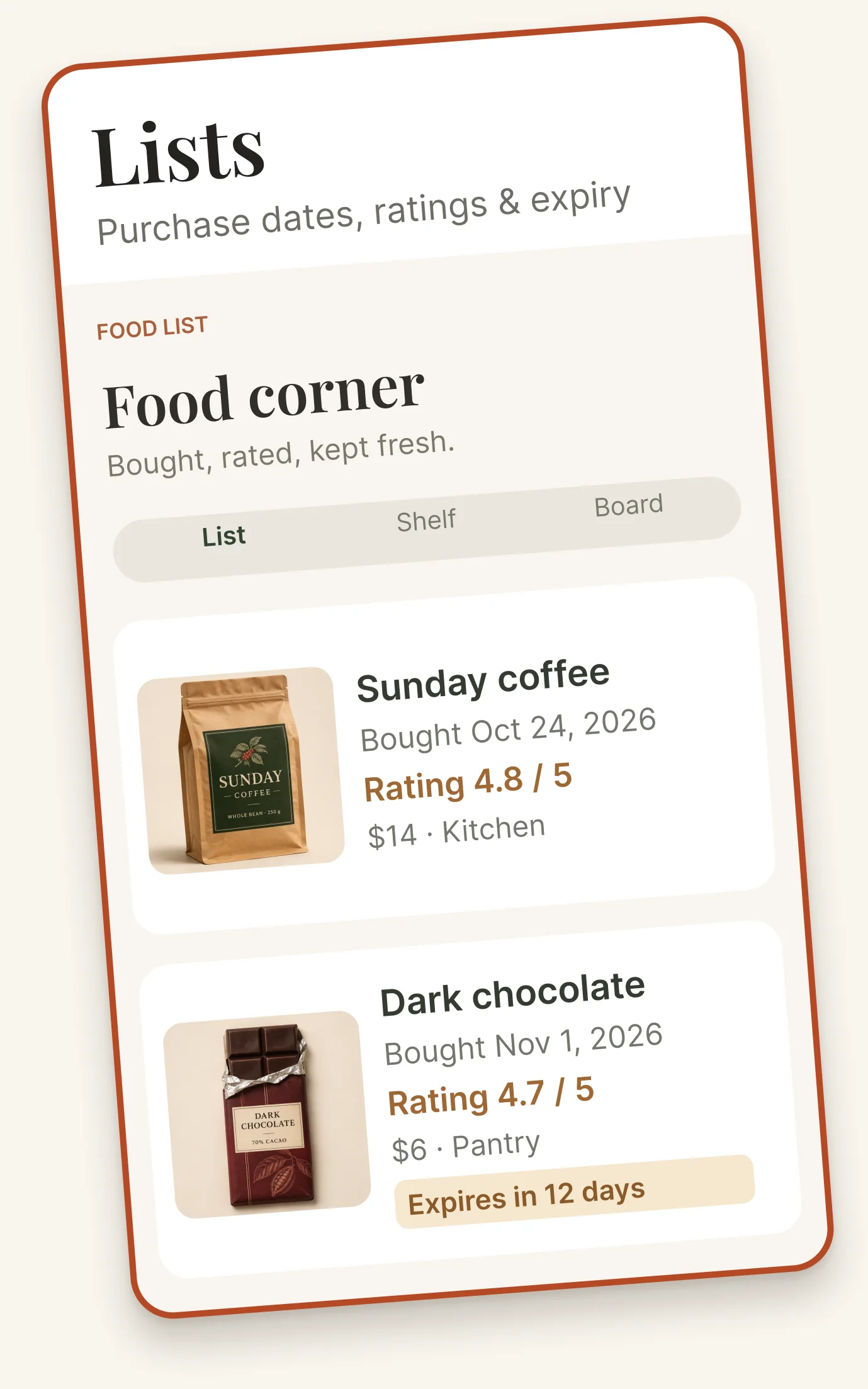
Little things, in good company
For the things
you want to keep.
Favorite things, wishlists, a kitchen shelf. Keep photos and useful details together, from prices and places to expiration reminders.
Purchase dates, ratings, and expiry.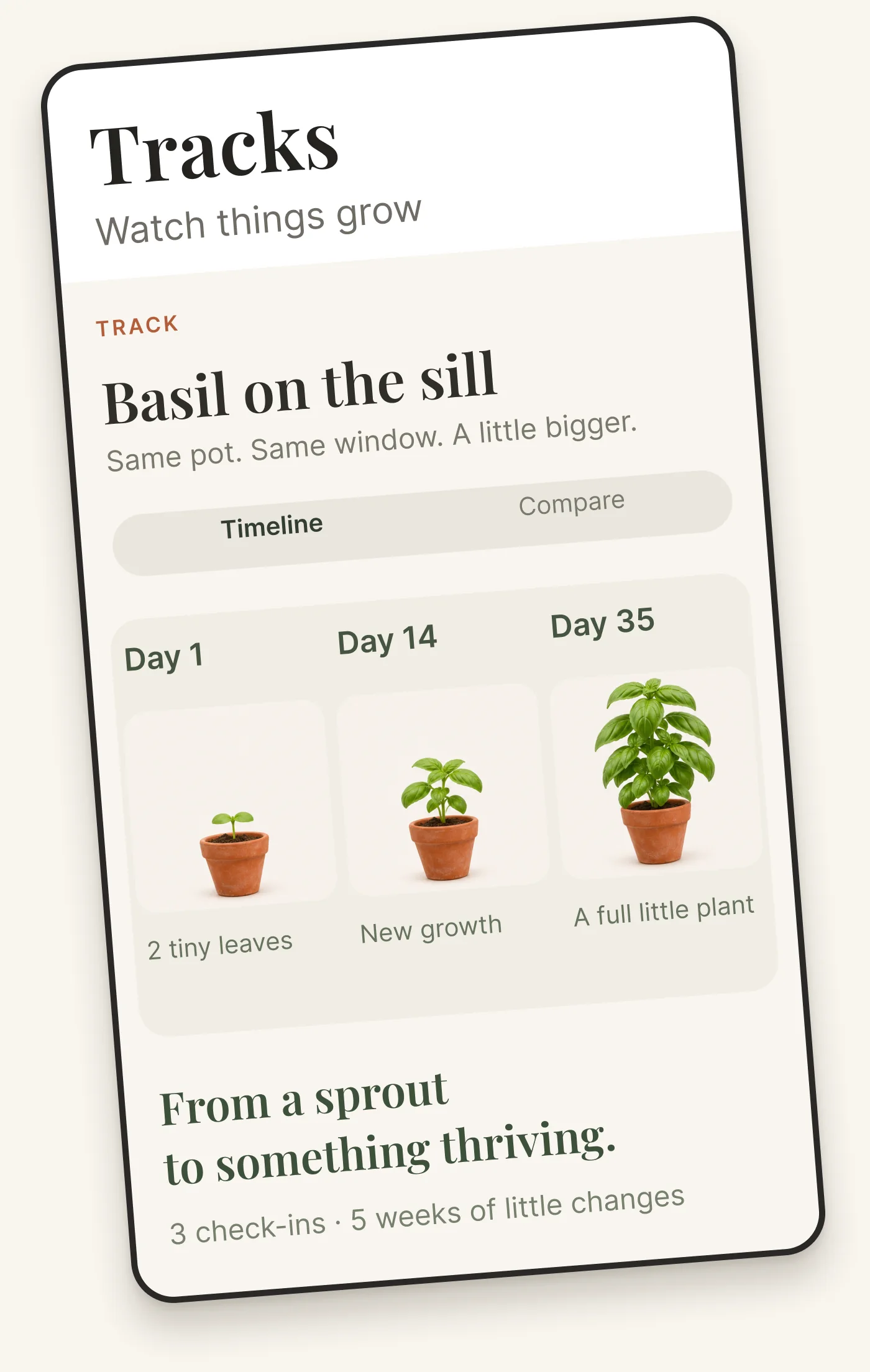
Change, little by little
Some things grow
while you’re living.
A plant on the sill. A personal milestone. Compare photos over time and notice what changes.
Timelines and side-by-side photos.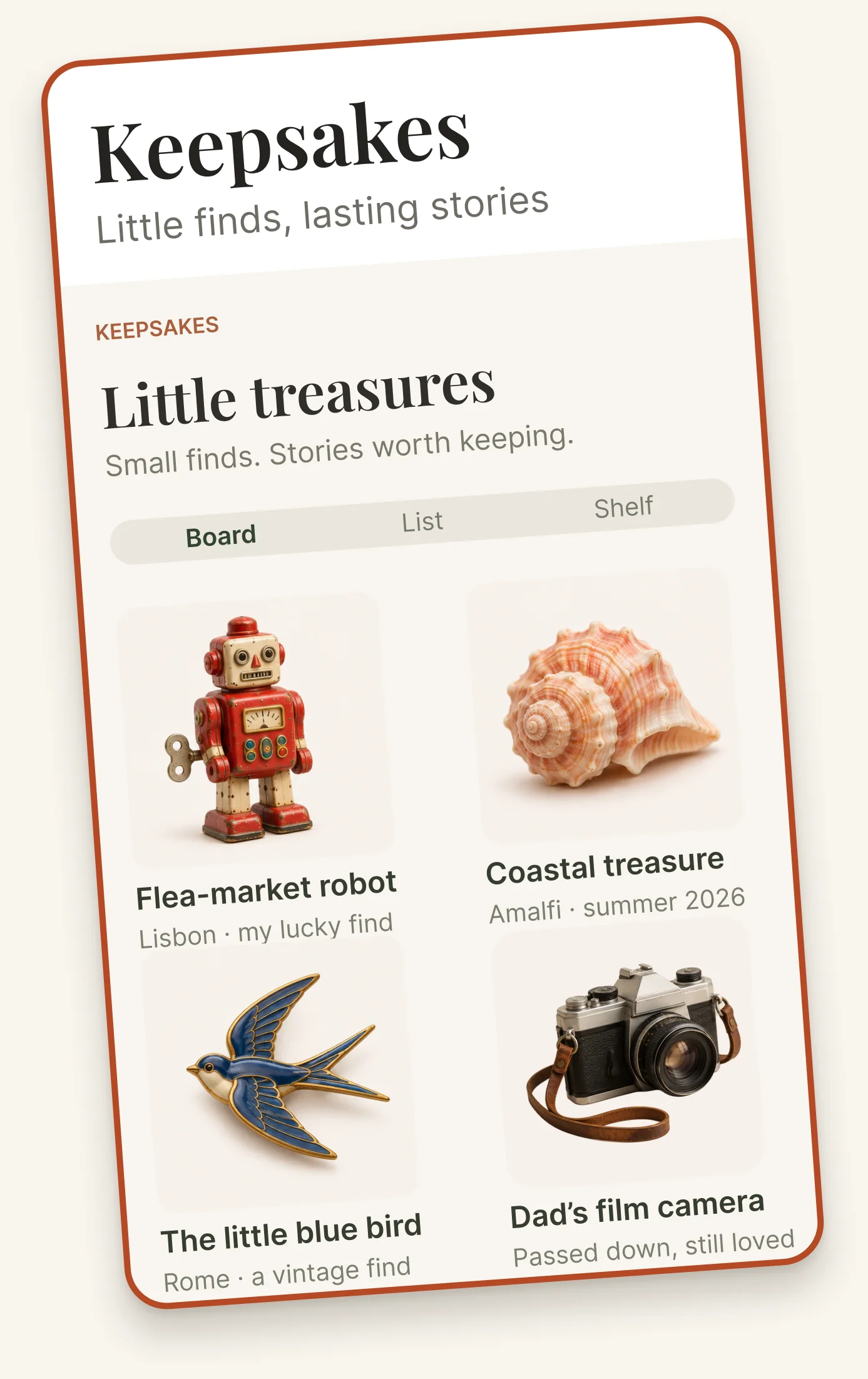
A little collection of you
Keep the things.
Keep the feeling.
A small souvenir, a thoughtful gift, a camera passed down. Save the small things and the stories behind them.
Little finds, lasting stories.Questions
A few things people ask.
What is a vision board app?
A vision board app lets you collect pictures of the life you want on your phone, so they stay easy to see and easy to change. Poco a Poco is a vision board, photo journal, and gentle goal tracker for iPhone.
How do I make a vision board from my own photos?
Start a new vision board page and add photos from your library or camera. Poco a Poco cuts them out into stickers automatically. Choose a layout and style, then move, resize, and rotate each piece. You can add paper backgrounds, tape, frames, and text.
Can I put my vision board on my Lock Screen or Home Screen?
Yes. For a wallpaper, open a page, tap Export, and save it to Photos. Then open the image, tap Share, and choose Use as Wallpaper. For your Home Screen, touch and hold an empty spot, tap Edit, then Add Widget, and search for Poco a Poco. Widgets come in small, medium, and large, and update by themselves when you change your page.
Can Poco a Poco track my goals?
Yes. Break a goal into sub-goals and little steps, check them off, add photos of real progress, and mark the goal as achieved when it comes true. It is made for goals you work toward over time, so there are no daily streaks to maintain.
Do I need an account?
No. There is no account to create and nothing to sign up for.
Where are my photos and pages stored?
On your iPhone, and in your own private iCloud when iCloud is available. Photo cutouts happen on your iPhone with Apple's built-in tools. Poco a Poco has no server of its own, no ads, and no tracking.
How do I move Poco a Poco to a new iPhone?
Keep iCloud on, sign in to the same Apple Account on your new iPhone, and install Poco a Poco. Your pages and photos sync through your iCloud, so give them a little time to arrive.
Can I lock private pages?
Yes. Open a page, tap the ⋯ menu, and turn on Lock with Face ID. If Face ID isn't available, your iPhone passcode can unlock it. iOS handles this, and the app never sees your face data.
How do I delete my data?
Delete a sticker or page in the app and it is removed from your iCloud too. To remove everything, delete the app, then delete its data in Settings › your name › iCloud › Manage Storage.
Is Poco a Poco free?
Poco a Poco is completely free, and it has no ads.
Why didn't my photo cut out properly?
Cutouts work best with one clear subject against a simple background, in good light. If Poco a Poco can't find a clear subject, it keeps the whole photo so you can still use it. Try another shot, or write to us if something looks wrong.
Which devices does it work on?
Poco a Poco is made for iPhone and needs iOS 17 or later.
Support
Need a hand?
Write to hello@aigeniestudio.io and a real person will read it. If something isn’t working, tell us what happened and which iPhone you use.
Make room for
the life you want.
And the moments worth keeping.
Completely free